企画と初稿を高速化
白紙から始めるのではなく、複数のレイアウト案を短時間で比較できます。
Lovart is engineered to elevate your creative process. Explore our suite of innovative features designed for designers, marketers, and creators of all levels. The "Lovart AI design tool" is at the core of our platform.
Lovartは、AIによる発想支援・制作スピード・配信向け書き出しを1つのワークスペースで実現します。
白紙から始めるのではなく、複数のレイアウト案を短時間で比較できます。
共有スタイルと再利用アセットで、案件ごとの見た目のばらつきを抑えられます。
同一デザインからWeb・SNS・資料向け素材を効率よく書き出せます。

Let Lovart's intelligent AI be your creative partner. It analyzes your content and design goals to offer smart suggestions for layouts, color palettes, typography, and imagery. Overcome creative blocks and discover new possibilities with the "Lovart AI design tool".

Lovart features a beautifully designed and easy-to-use drag-and-drop editor. Effortlessly arrange elements, resize objects, and build complex layouts without writing a single line of code. Focus on your creativity, not on learning complicated software. This is a key aspect of the "Lovart platform".
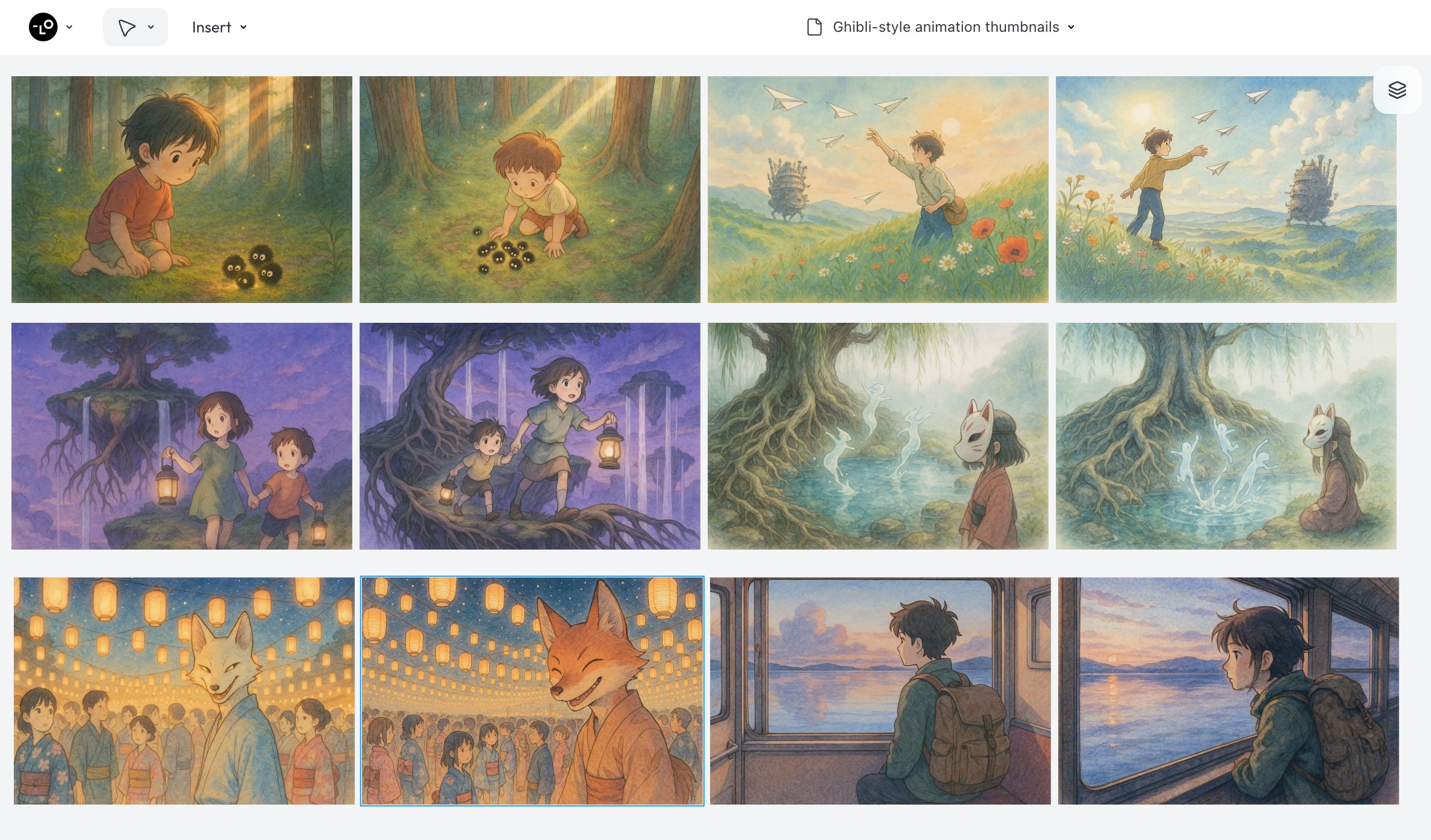
Access millions of high-quality stock photos, illustrations, icons, videos, and fonts directly within the Lovart editor. Our curated library, a core part of "Lovart AI", ensures you have the perfect assets to bring your vision to life without ever leaving the platform.

Work seamlessly with your team or clients in real-time. Share designs, leave comments directly on the canvas, and see changes as they happen. Lovart's collaborative features (soon on the "Lovart platform") will streamline your review process and boost productivity.

Once your design is perfect, Lovart makes it easy to share it with the world. Export your creations in various formats optimized for web, print, or social media with a single click. Lovart ensures your designs look great everywhere.
作成・レビュー・公開までを4ステップで整理できます。
ステップ 1
対象ユーザー、訴求ポイント、ブランド制約を先に決めると提案精度が上がります。
ステップ 2
AI提案とドラッグ編集を組み合わせ、複数案を短時間で絞り込めます。
ステップ 3
コメントと修正履歴をまとめ、公開前にチームで最終版を確定できます。
ステップ 4
用途別フォーマットで出力し、Web・SNS・プレゼン資料へそのまま展開できます。
SNSクリエイティブ、広告バナー、LP用ビジュアル、ブランド素材などを一つの環境で作成できます。
はい。AI提案と視覚的な編集UIにより、非デザイナーでも短時間で実用的なデザインを作れます。
共有アセットとスタイル指針により、複数案件でも統一感を保ちやすくなります。
商用利用はプランに応じて対応しています。最新条件は料金ページをご確認ください。
制作量とスピード重視なら、Basic・Pro・Ultimateを比較して選ぶのが最適です。
Unlock your creative potential with Lovart's powerful and intuitive features. Start creating stunning visuals today with the "Lovart AI design tool".
Explore Lovart Plans & Get Started